Robo Pro template is available on Junno UIView template
Privacy boundaries
Privacy
Boundaries first, automation second.
Explain what Robo can see, what it stores, when it pauses, and how humans stay in control.
Ask a privacy question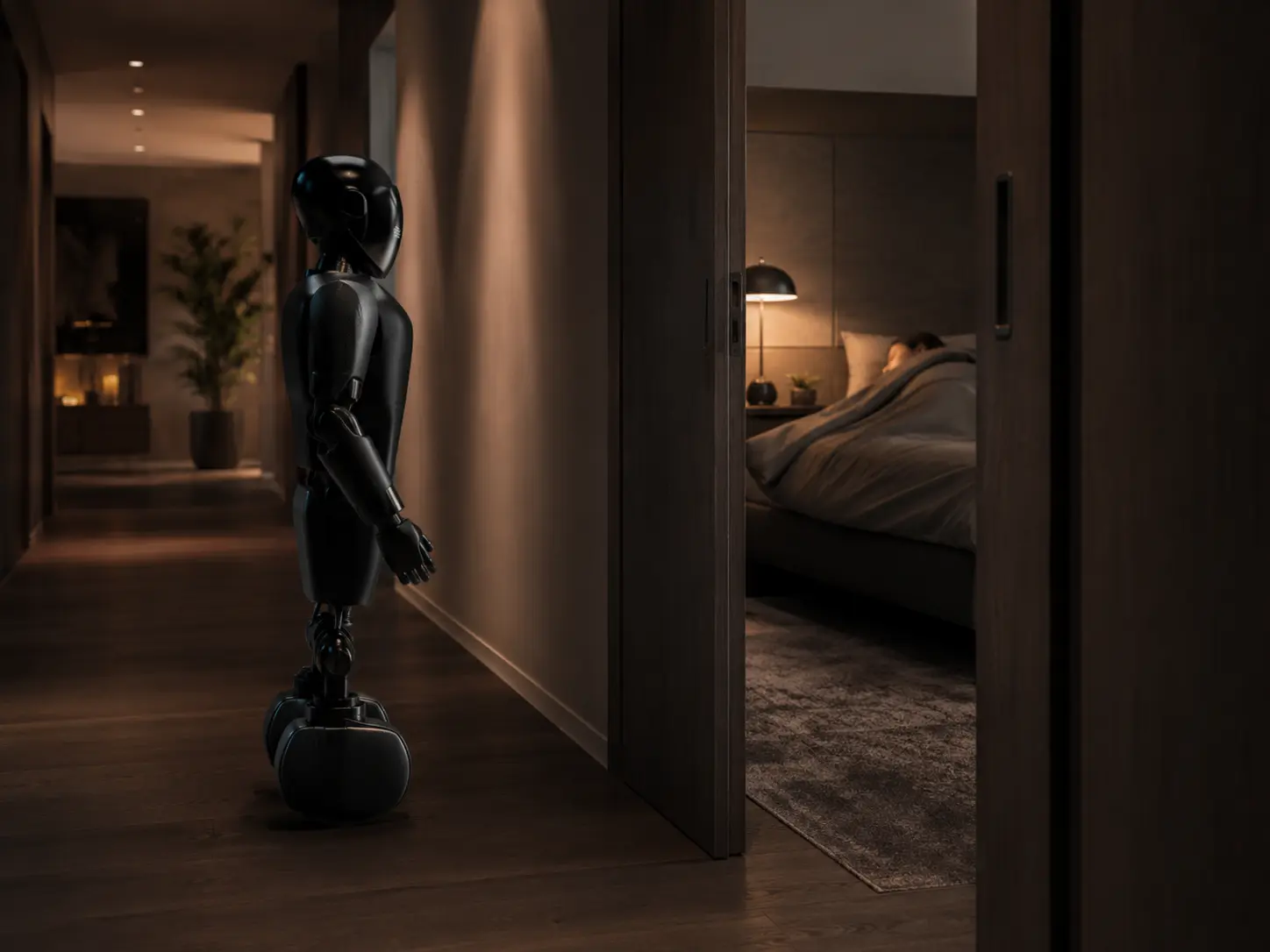
Private zones
Bedrooms, bathrooms, and sensitive spaces can be marked as restricted before routines begin.
Approval gates
Robo pauses when context is ambiguous or a task crosses a household boundary.
Data clarity
Buyers get plain-language space for retention, deletion, export, and support expectations.
Trust commitments buyers can edit.
Sensitive actions require human approval.
Private zones stay editable by the household.
Status and intent remain visible before actions.
Support paths are clear for deletion or review requests.